My income changes every month
Plan around a base salary plus freelance work, bonuses, or seasonal income.
Step 1: Separate fixed from variable
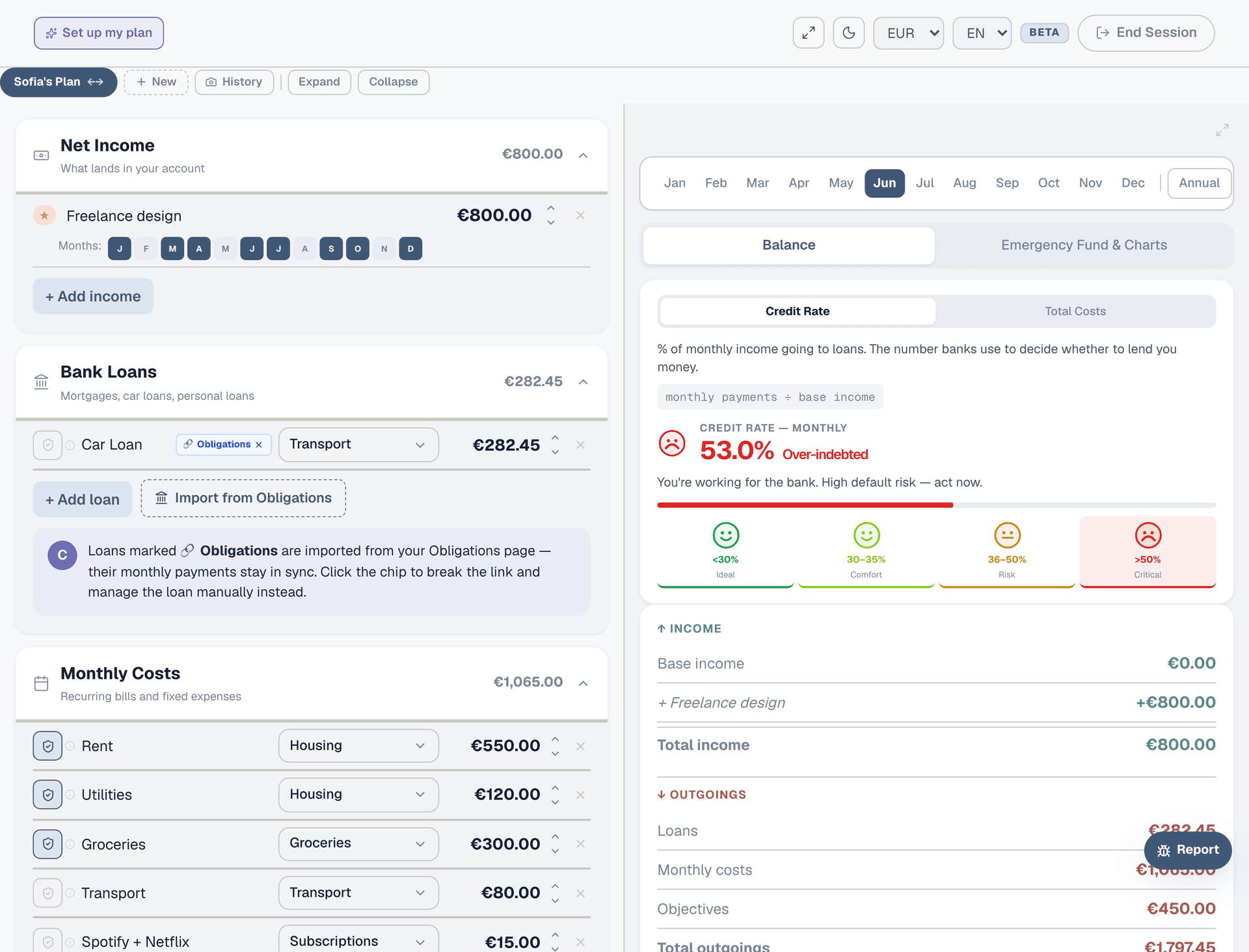
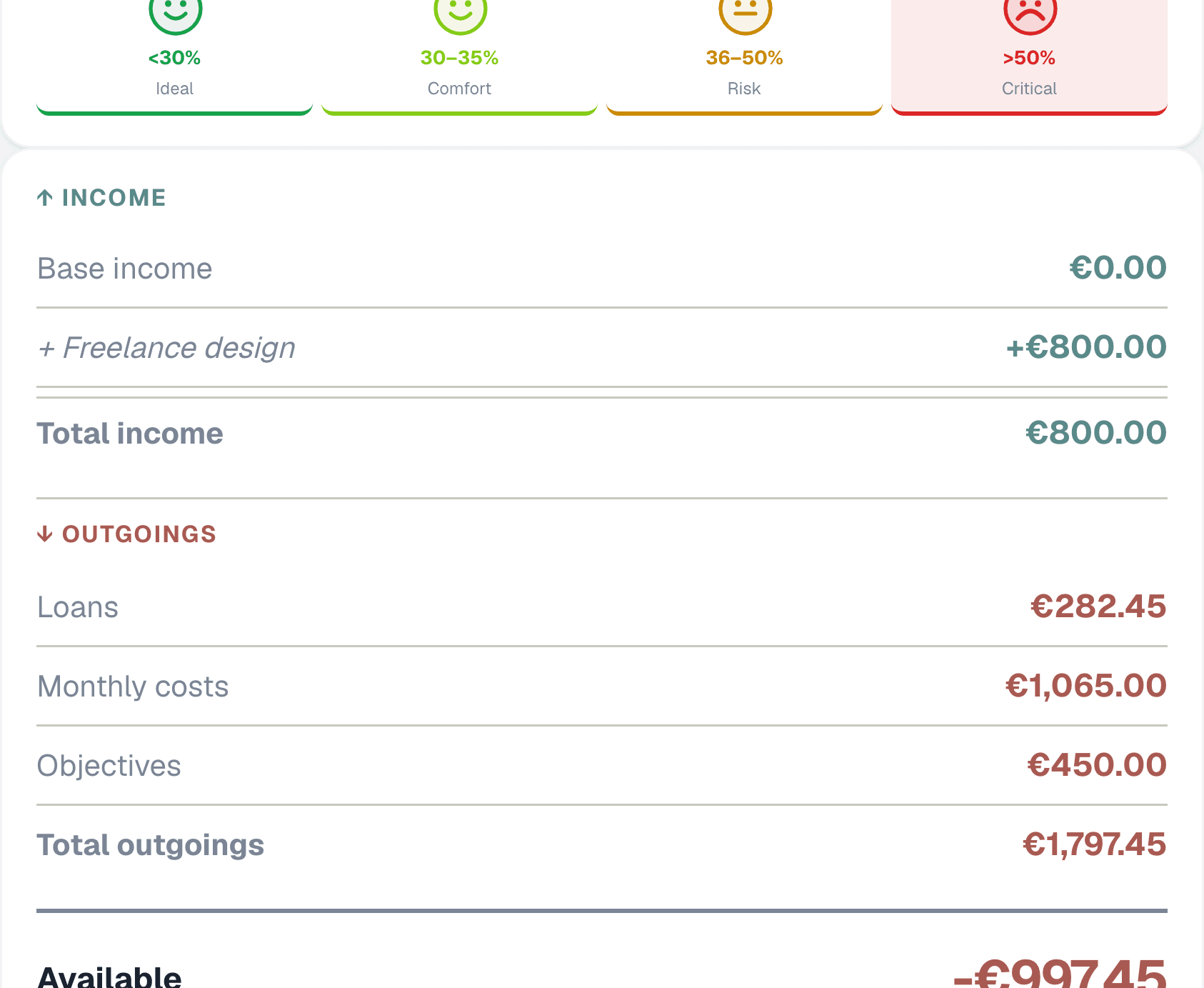
Open the Planner and go to the Net Income section. Your base salary — the amount that lands every month without fail — goes in as a "Fixed monthly" entry. This is your planning foundation. Everything else (freelance gigs, bonuses, commissions, overtime) is variable and gets added separately.
Step 2: Add your variable income
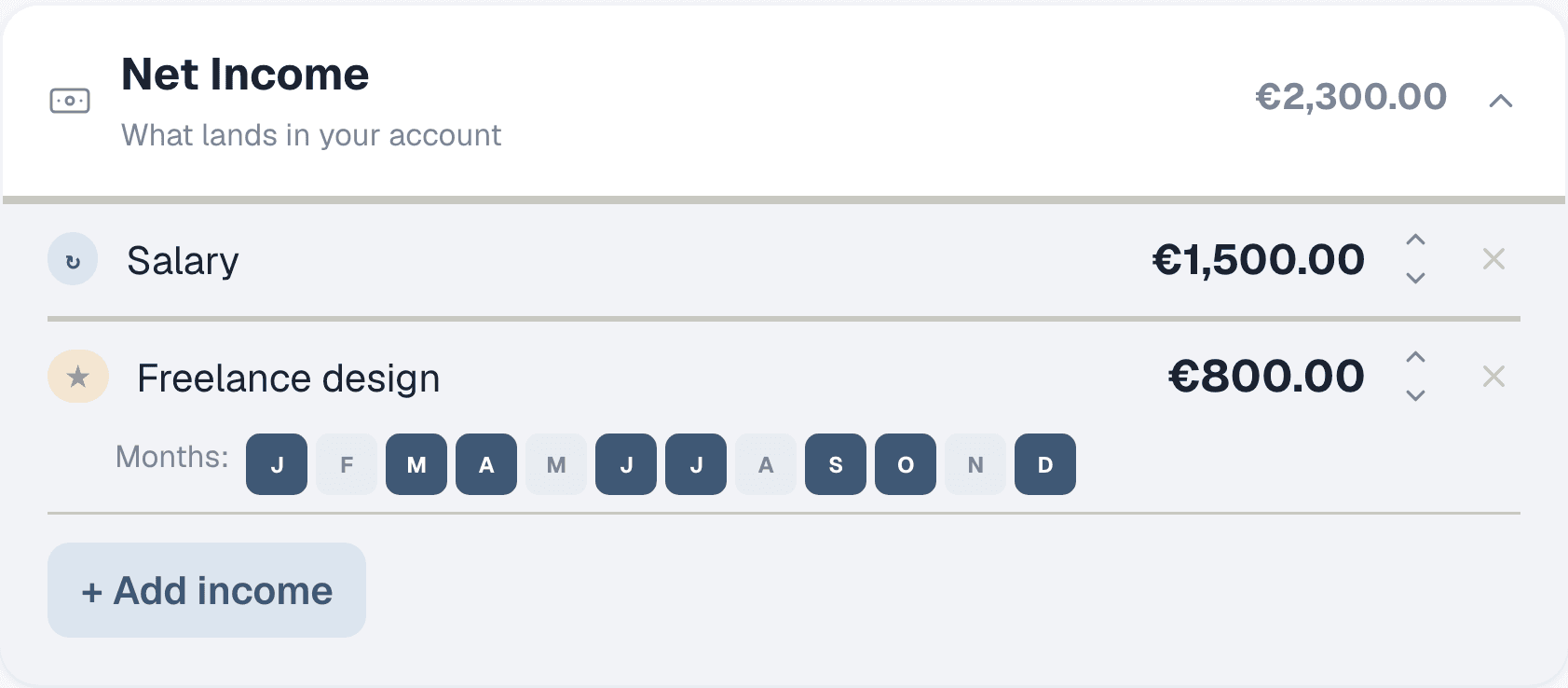
Click "+ Add income" again and switch the toggle from "Fixed monthly" to "Extra / Bonus". Enter the description (e.g. "Freelance design") and the expected amount. Then select which months this income applies — if you freelance year-round, select all 12. If it's a Christmas bonus, select just December. The planner adjusts your available cash per month based on which extras land when.
Step 3: See the monthly impact
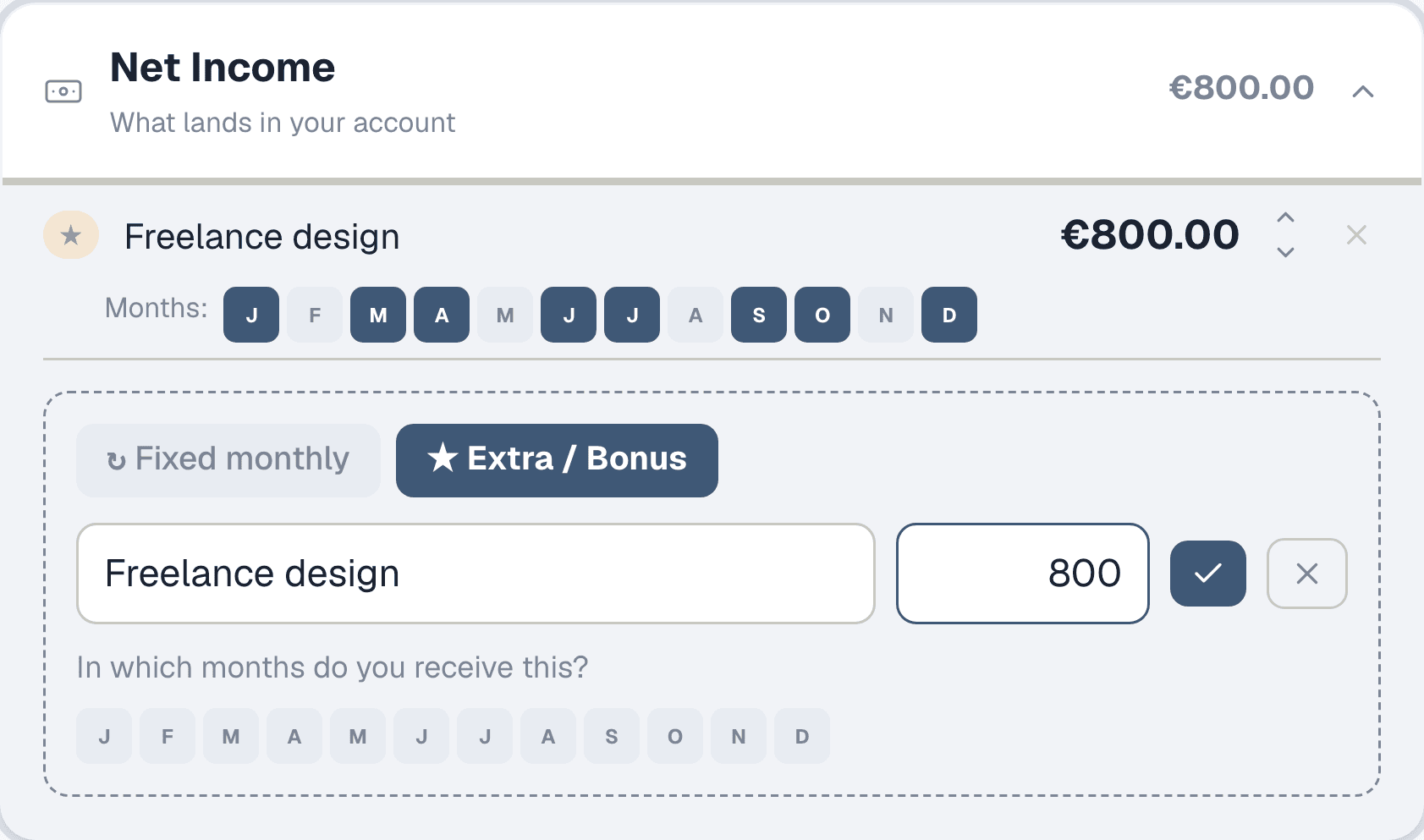
The right panel shows your available cash for the selected month. Use the month selector at the top to switch between months — you'll see how your available cash changes when a bonus month hits vs a base-salary-only month. This is the whole point: months with extras have more room, months without are tighter.
Step 4: Check the annual view
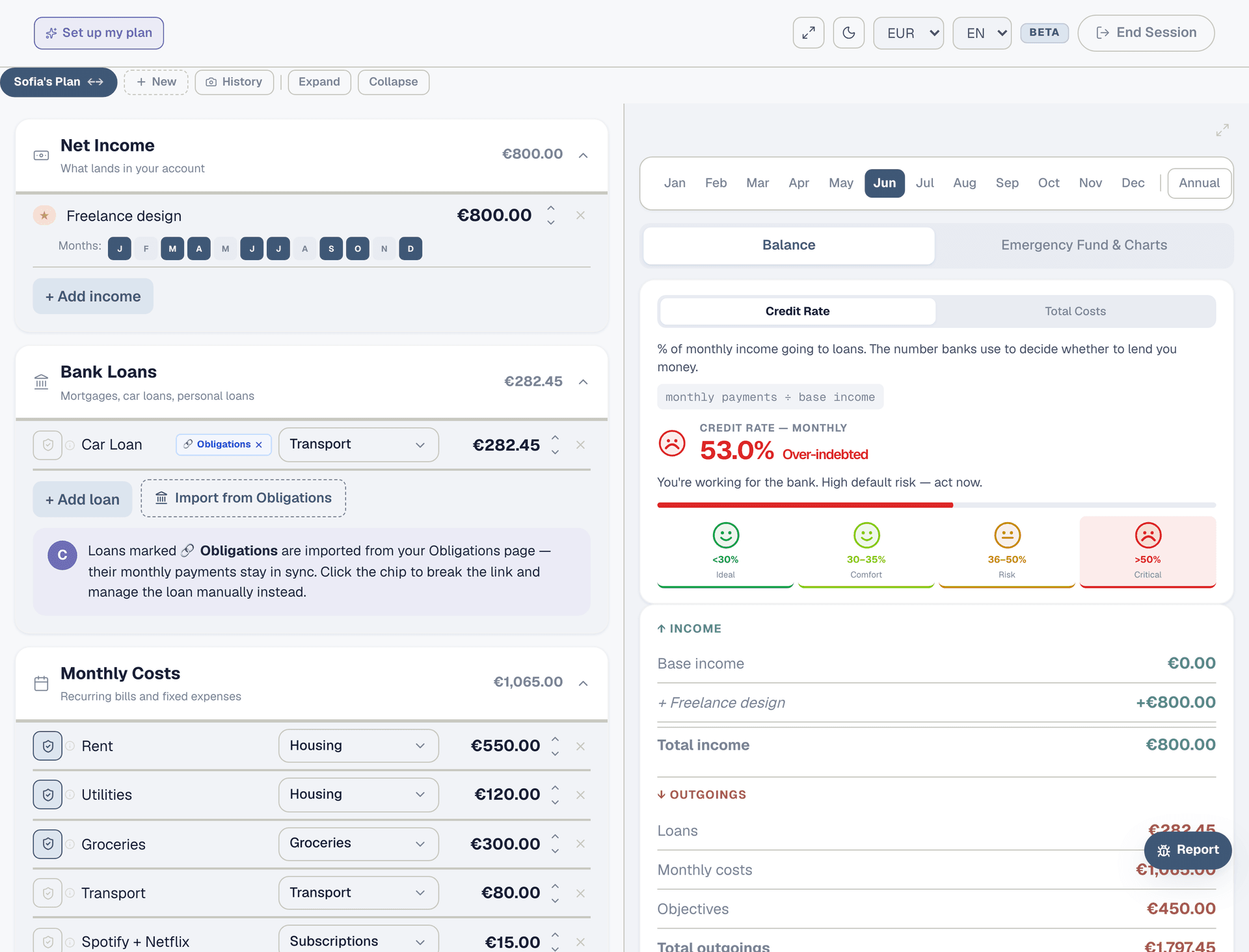
Click "Annual" on the month selector. The right panel switches to a yearly summary: base income × 12 plus each extra multiplied by its active months. This gives you the honest annual picture — not "monthly × 12" which ignores the months where extras don't land.
Step 5: Confirm what actually arrived
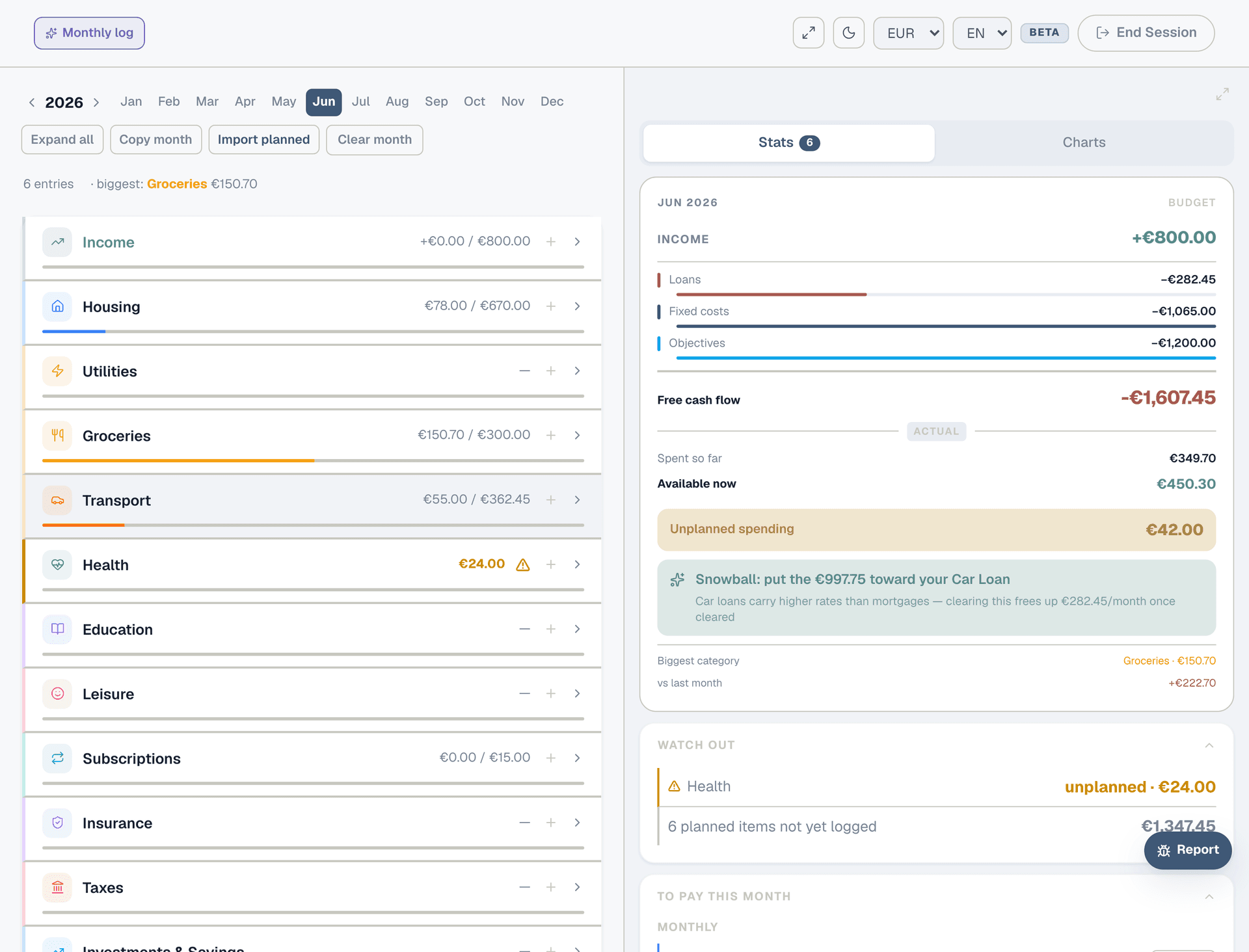
Each month, go to the Expenses page. At the top you'll see your planned income. If the amount matches, click "Log" to confirm. If you earned more or less than planned (a bigger freelance month, a client who didn't pay), log the actual amount manually. This is how you track reality vs the plan.
Step 6: Adjust over time
After a few months of logging actual income, you'll see the pattern. If your freelance income is consistently higher or lower than planned, update the Planner to match reality. A plan that says "€800 freelance" when you consistently earn €500 gives you a false sense of security. Honest numbers make honest budgets.